We’ve all been there—clicking a button on a website, expecting something to happen, but nothing does. Frustrated, you click the particular element again and again. Sound familiar? That’s what leads to rage clicks.
A high rate of rage clicks often points to UX design problems, but the good news about rage clicks is they’re fixable with tools like heatmaps.
If your site or app is experiencing frequent rage clicks, it’s crucial to identify and address the root cause of customer behavior or issue quickly to avoid losing valuable conversions.
Here’s what this article will cover:
- What rage clicks are and why they happen.
- How rage clicks differ from other types of clicks.
- Methods to identify rage clicks on your website.
- Actionable solutions to fix and prevent rage clicks.
What does "rage clicks" mean
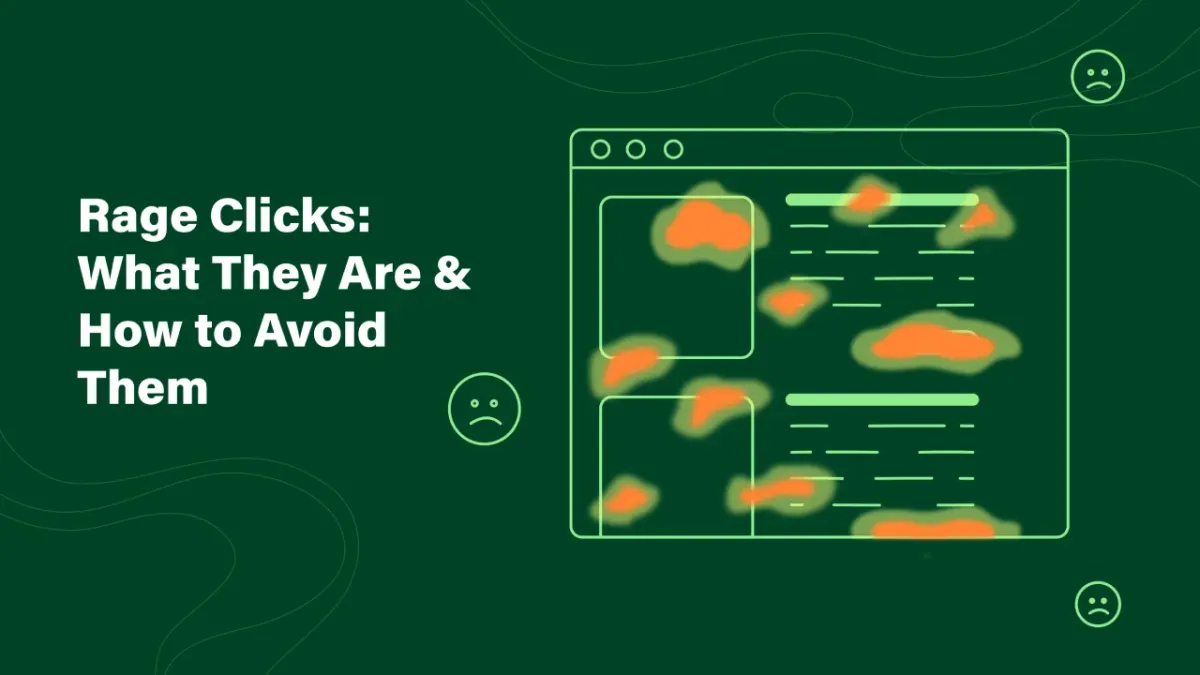
Users rage click occurs when a user repeatedly clicks on a button, link, or image, expecting action, but nothing happens. This repeatedly clicking user behavior is a clear sign of user frustration, often with user actions stemming from broken functionality, slow responsiveness, unclear instructions, or misleading design.
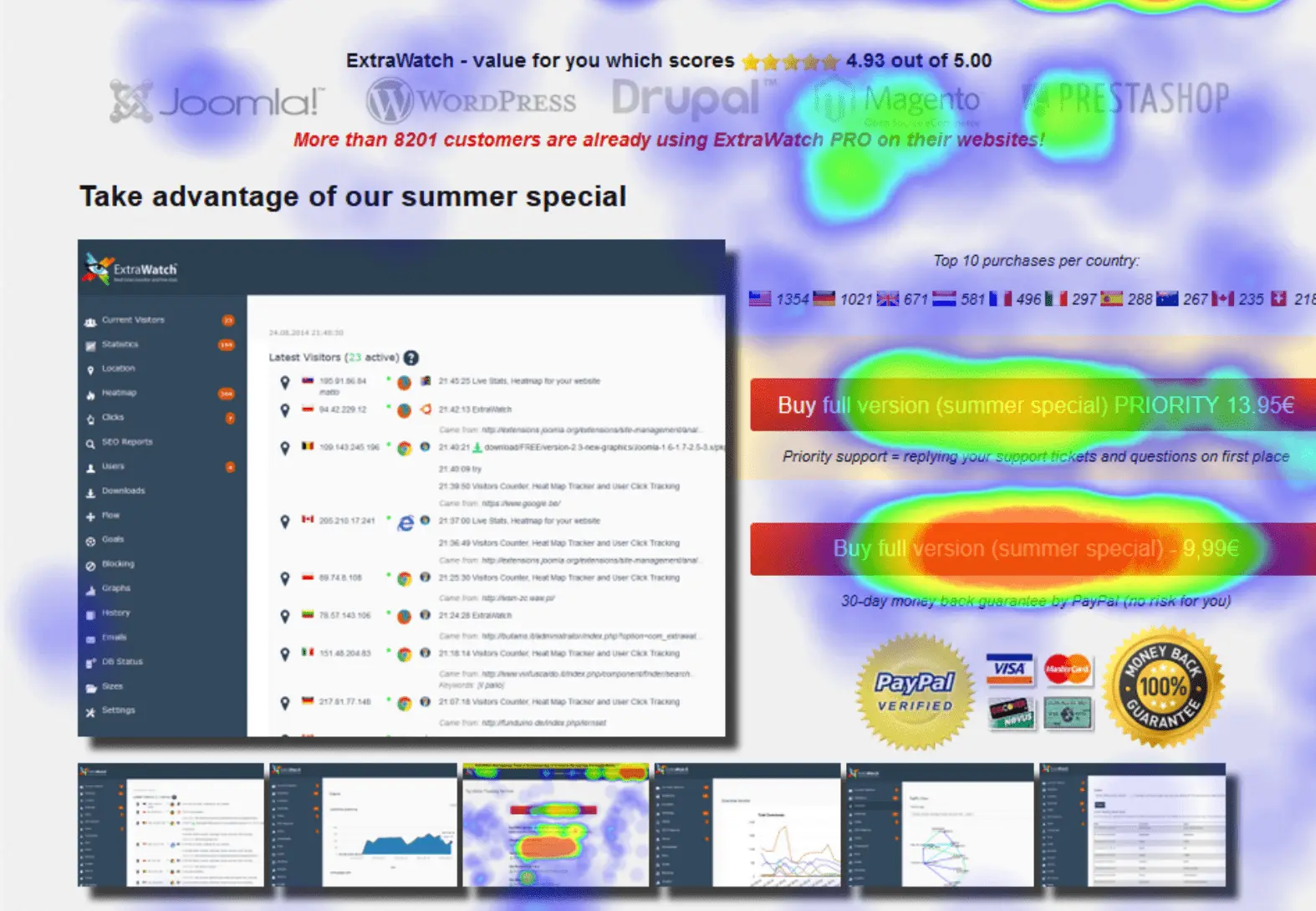
Common triggers include broken links, unresponsive buttons, and confusing elements. These user frustration signals highlight usability issues that, if unresolved, can hurt conversions, damage trust, and degrade the overall user experience.
Heatmap.com, an analytics's tool lets you detect and track rage clicks. Its revenue-based heatmaps allow you to directly tie these frustration points to lost revenue, providing actionable quantitative data to prioritize fixes.
Read next: 10 Ways to Use Heatmaps to Increase Revenue Per Session
Why Do Rage Clicks Happen
Websites are quite complex; various things could be causing rage clicks on yours, including:
- Broken elements: This refers to some of the features on your site not working properly. Some examples could be broken links directing people to pages that don't exist, missing images that are integral parts of the page, or a faulty button that's not fit for purpose.
- Slow page speed: If someone is moving between your web pages and they're experiencing a delayed loading time that's taking longer than the average.
- Invisible overlays: Think of an element layer that the visitors can't see, but they end up masking your content that prevents them from interacting with it.
- Poor UX Design: Poor design on your website or app that's impacting your user's experience; this can be about the actual design itself or some of the elements that are a part of it.
Read next: Level-Up Your Heatmap Analysis for High-Converting UX
What is the difference between rage clicks and dead clicks
| Aspect | Rage Clicks | Dead Clicks |
|---|---|---|
| What They Are | Users repeatedly click on a specific element out of frustration. | Users click on an element, expecting a response, but nothing happens. |
| Why They Happen | Triggered by poor UI design, UI elements, slow load times, or confusing navigation. | Caused by broken links, disabled buttons, or JavaScript errors. |
| Example | A button on a mobile checkout page that doesn’t register clicks. | A link leading to a 404 error. |
| Action | Repeated, rapid clicks in frustration. | Single, unproductive click. |
| Trigger | User frustration with unresponsive or hidden elements. | User error caused by technical issues like broken links or misconfigured elements. |
| Cause | Slow loading times, misleading or hidden elements, or poor UI. | JavaScript errors, dead links, or disabled buttons. |
| Impact | Highlights pain points in your application where users experience frustration. | Leads to reduced engagement, higher bounce rates, and a negative perception of the experience. |
| Emotional Response | Strong frustration, often emotional. | Annoyance or confusion, less emotional. |
Read next: How to read a Heatmap Like a Pro and Boost Conversions
How do I know if my site has a rage click problem
Analyzing rage clicks is essential to get valuable insights, understanding user frustration, customer feedback, and identifying usability issues on key element of your website. Here’s how you can effectively track and address rage clicks:
1) Set Up Heatmaps
Use heatmap tools to create click heatmaps for your website’s key pages. Heatmaps visually highlight where users interact most, including areas with clusters of rapid rage clicks made, a strong indicator of frustration. Enabling rage-click mapping in these tools helps you locate elements that trigger repeated clicking.
2) Analyze Patterns of User Frustration
Examine your heatmaps for hotspots of intense clicking activity. These often reveal usability issues such as:
- Broken links or buttons that don’t work
- Slow responses from interactive elements
- Confusing navigation or hidden features
Focus on critical areas like checkout pages or forms, as issues here directly impact conversions.
3) Combine Heatmaps With Session Recordings
Heatmaps provide an overview, but session recordings add context by showing how users find and interact with problematic or broken elements themselves. Look for:
- Repeated clicking on unresponsive elements
- Erratic mouse movements or scrolling
- Indicators of technical issues, like JavaScript errors or dead clicks
Session replays offer actionable insights into analyzing user behavior, helping you understand what’s going wrong.
4) Diagnose and Fix Problematic Elements
Once you’ve identified frustration hotspots, inspect the specific elements causing rage clicks. These could include:
- Clickable-looking elements that aren’t functional
- Buttons blocked by invisible overlays
- Slow-loading content causing delayed responses
5) Test Changes and Reevaluate
After addressing the identified issues, run A/B tests on user session replays to evaluate the effectiveness of your changes. Regularly monitor updated heatmaps of user sessions and the session replay replays to confirm the reduction in rage click events and ensure a smoother user experience.
Read next: Does heatmap.com slow down websites? (Split Test Results)
How to fix and prevent rage clicks
Rage clicks are clear indicators of user frustration, but the good news is that they can be addressed and prevented. Follow these steps to eliminate when people rage click in click hotspots and create a smoother, frustration-free experience for your users:
1. Fix Dead Links on Your Website
Dead links often lead to rage clicks by leaving users stranded. Regularly audit and fix any broken links—whether they’re internal or external.
- Why it matters: Broken links disrupt the user experience and can negatively impact conversions.
- How to fix them: Use tools like Screaming Frog or Google Search Console to scan for dead links. Redirect them to active pages or update them with relevant content.
Pro tip: With tools like Heatmap.com's rage click mapping, you can quickly detect rage clicks causing user frustration—like broken links—and resolve them efficiently.
2. Redesign Confusing UI/UX Elements
Misleading elements, like screenshots that resemble clickable buttons, often cause rage clicks.
- Key actions:
- Differentiate design elements (e.g., screenshots, visuals) from interactive buttons or links.
- Test design changes with real users to ensure clarity.
- Use Heatmap.com’s interactive scrollmaps to pinpoint revenue drop-offs caused by poor design and optimize your site.
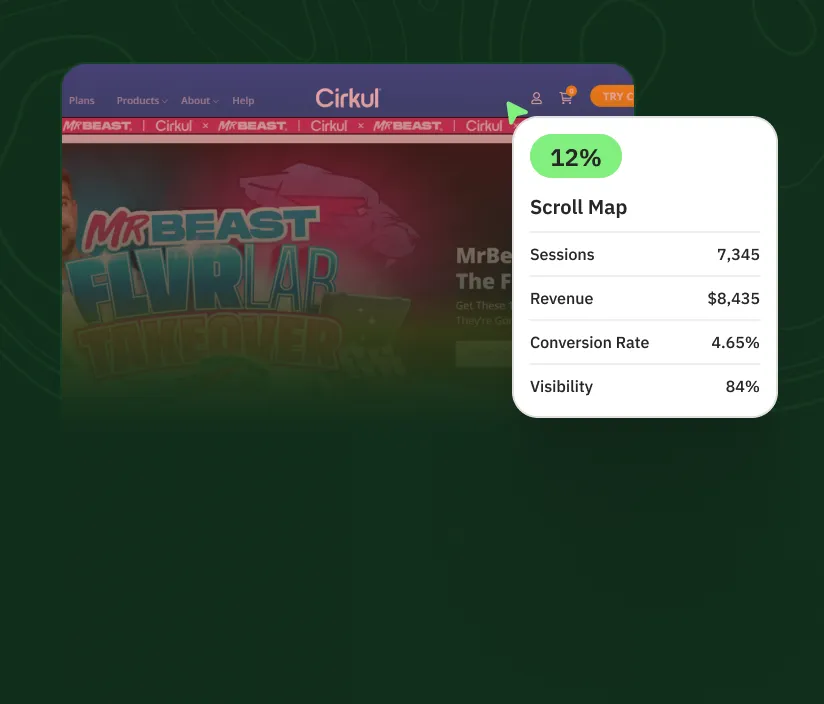
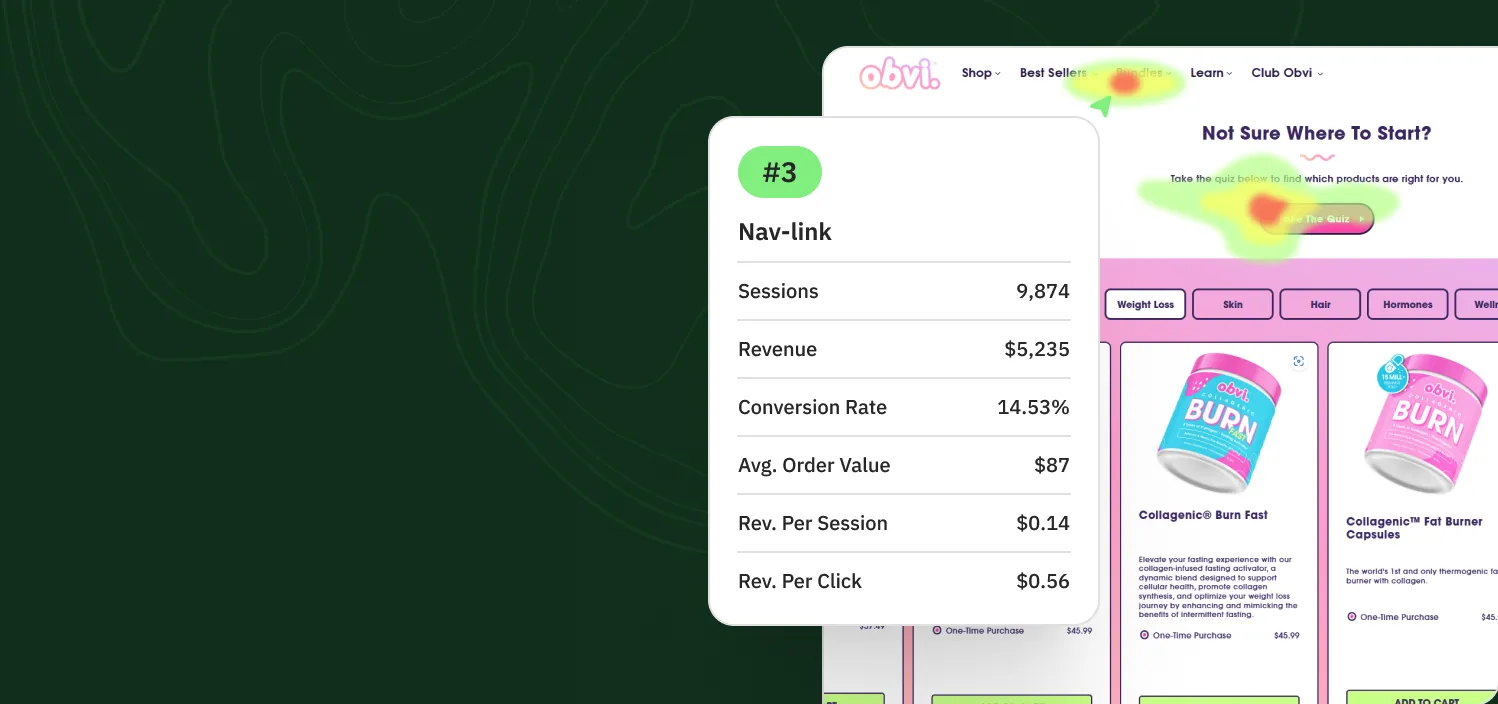
For instance, Obvi used insights to redesigned their UI and added $2.5M in revenue in their first month with insights from analytics tool Heatmap.com.
Obvi Added $2.5M Revenue in Their First Month with heatmapAI
By using heatmapAI, Obvi addressed a common challenge for scaling DTC brands: balancing growth and profitability. They leveraged actionable insights to identify which elements increased AOV and optimized landing pages to drive more first-purchase profits.
100x
ROI with Obvi's first month using heatmap
$2.5M
in added revenue using our CRO recommendation engine
+7.81%
Increase in Revenue Per Session
3. Improve Website Speed and Responsiveness
Slow-loading pages are one of the top triggers for rage clicks.
- Quick fixes:
- Compress large images.
- Reduce the number of plugins or scripts.
- Use a content delivery network (CDN) to speed up content delivery.
- Why it matters: Faster sites enhance user satisfaction and decrease bounce rates, ensuring users stay engaged.
Pro tip: Heatmap.com’s site speed tracking helps monitor web application load times and provides actionable recommendations to improve web application performance and reduce frustration.
Read next: How to Optimize Ecommerce Collections Pages for Higher Conversion Rates
4. Simplify Navigation for Your Users
Confusing navigation can leave users frustrated and trigger repeated clicking.
- Action steps:
- Create a logical structure for your site’s pages.
- Highlight important elements like CTAs (Call-to-Actions) and menus to make them easily discoverable.
- Use breadcrumbs to help users retrace their steps.
- Additional benefits: A simplified navigation structure improves SEO, as search engines can crawl your site more effectively.
5. Optimize Your Website for Mobile Devices
Mobile users are more prone to rage clicks due to smaller screens and touch-based navigation.
- How to prevent issues:
- Choose a responsive design theme compatible with mobile devices.
- Ensure buttons and interactive elements are large enough to tap easily.
- Use legible fonts that work well on smaller screens.
Pro tip: Conduct mobile usability testing to identify and the right tools to resolve mobile-specific pain points.
Other types of clicks you should be aware of
Understanding other types of clicks is essential for gaining a more complete picture of user behavior and improving the overall user experience. Here are the most common types of user actions:
1. Dead Clicks
- What They Are: Dead clicks occur when users click on an interactive element expecting a response, but nothing happens. This often results from broken links, disabled buttons, or javascript errors.
- Why They Matter: These clicks highlight usability issues that lead to customer frustration, reduced engagement, and even higher bounce rates.
- How to Fix: Regularly monitor error logs, test form submissions, and ensure all elements work as intended.
2. Error Clicks
- What They Are: These clicks happen right before a JavaScript error or other technical glitch. For example, a user might click on a button that triggers a console error, preventing the expected action from completing.
- Why They Matter: Error clicks indicate underlying technical issues that disrupt the customer experience and can deter users from returning.
- How to Fix: Use tools like FullStory or Hotjar to identify and address errors. Monitor error logs to resolve root causes quickly.
3. First Clicks
- What They Are: The very first click users make on a page or interface. These clicks are especially valuable for assessing onboarding patterns and understanding how intuitive your design is for new visitors.
- Why They Matter: When UX designers create a poorly designed interface may cause users to repeatedly click on the wrong elements, leading to frustration and drop-offs during onboarding.
- How to Fix: Use click heatmaps to assess first-click data and refine your design for better user flow.
4. Last Clicks
- What They Are: The final click users make before leaving a page or completing an action. These clicks provide insights into user flow patterns and can highlight areas where users abandon tasks.
- Why They Matter: If users frequently exit after interacting with a specific element, it could point to confusion, loading times for a short period, or unmet expectations.
- How to Fix: Analyze last-click data alongside session recordings to identify pain points that cause drop-offs.
5. Thrashed Cursor
- What It Is: A desktop-specific behavior where users move their mouse erratically or in circles, often out of confusion or frustration.
- Why It Matters: A thrashed cursor typically signals that users are lost, waiting for content to load, or encountering confusing navigation.
- How to Fix: Focus on simplifying navigation, improving page load times, and clarifying interactive elements.
Read next: Best Heatmap Software in 2024.
Let heatmapAI sniff out rage clicks on your site
Rage clicks aren’t just user frustrations—they’re opportunities for improvement. Addressing these issues puts you on the path to a seamless user experience and better conversions. Every click tells a story; decoding these patterns analyze rage clicks leads to improved customer satisfaction and a frustration-free website.
HeatmapAI helps you pinpoint pain points, track behavior, and make data-driven improvements. From uncovering rage clicks to analyzing heatmap traffic, it delivers actionable insights for better results.
Try heatmap.com | Your eCommerce site will thank you (so will your wallet)
We are the only onsite analytics platform that tells you how to make more money - down to the pixel. Trusted by 1000+ eCommerce brands.

Ashvin Melwani
@ashvinmelwaniWith heatmap, I've been able to figure out what elements actually increase AOV and optimize our landing pages to drive more first purchase profitability, we're up 23% YoY

Read next:

Dylan AnderPublished December 1, 2025