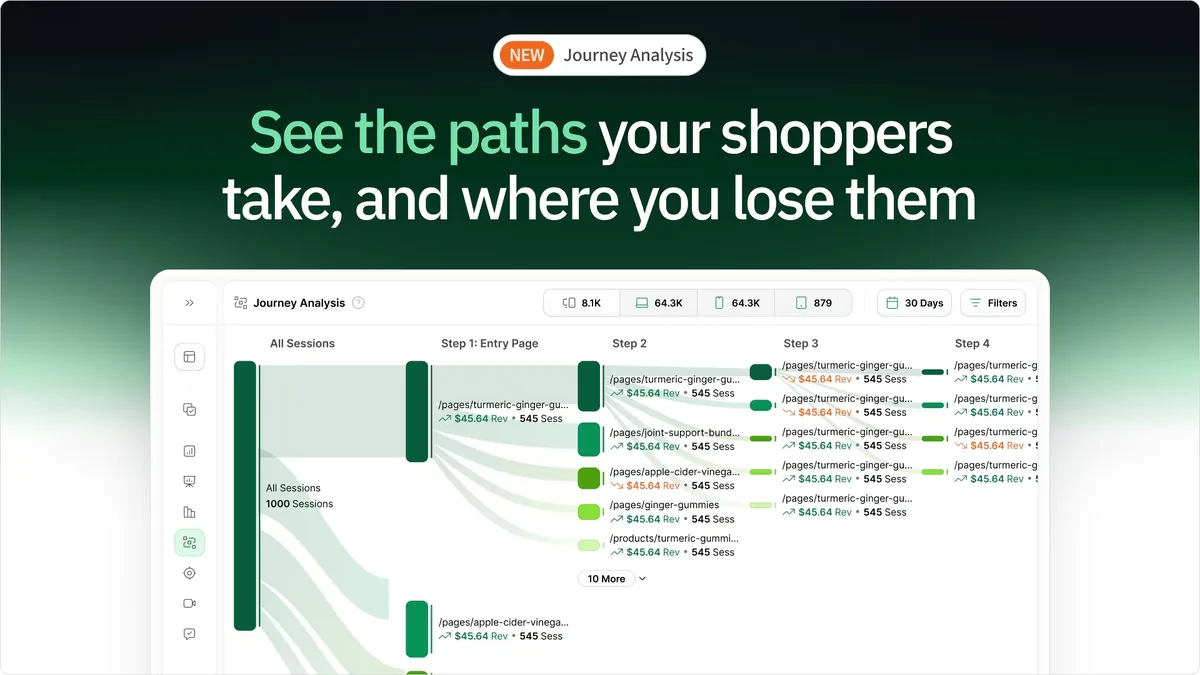
Choosing the right website analytics tool can be challenging with so many options available. This guide breaks down Crazy Egg vs. Hotjar, two leading contenders while introducing a third powerhouse, heatmapAI.
From key features to pricing models and user behavior insights, this comparison highlights the main differences to help determine which tool best fits your needs.
Let’s dive in and find the ultimate winner.
TL;DR - Crazy Egg or Hotjar? (Maybe Neither)
| Category | heatmapAI | Crazy Egg | Hotjar |
|---|---|---|---|
| Pricing | Starts at $117/mo | Starts at $29/mo | Starts at $99/mo |
| Free Trial | Yes, 14-day trial | Yes | Yes |
| Pricing Model | Based on annual revenue ($117/mo for $0 - $4.9M ARR) | Measure pageviews (each page refresh or load counts separately) | Session-based (multiple pageviews per session) |
| Heatmaps & Web Analytics | Revenue-based heatmaps, screen recordings, click and scroll maps, rage maps + intuitive summary dashboard | Heatmaps, scrollmaps, and confetti reports, with a built-in A/B testing tool. | Heatmaps, click, scroll, and move maps, rage click tracking, engagement zones, and advanced filtering with continuous data capture. |
| Site Speed Impact | Virtually NO impact on site speed (split test results here) | No | Yes |
| Product Training & Support | 24/7 customer support, intuitive onboarding, dedicated Slack team, and weekly AI recommendations based on data | Help center with guides and training videos; priority support is limited to higher-tier plans. | Extensive learning hub with free courses, tutorials, webinars; however, some users have reported slow customer support response times. |
| Data Security & Compliance |
|
GDPR, CCPA, HIPAA, and PIPEDA | GDPR, CCPA, ISO-27001 and SOC2 |
| Integrations | Integrates with all major eCommerce CMS platforms and leading split-testing tools | Google Tag Manager, HubSpot, Magento, Shopify, and more. | Slack, Google Analytics, Zapier, HubSpot, Shopify, and more. |
| Rating | Trusted by 5000+ brands | 4.2/5 | 4.3/5 |
Which One Should You Go With
- Crazy Egg – If you need a built-in A/B testing tool alongside behavior analytics, prefer unlimited on-site survey responses, and want a more affordable heatmap and session recording solution with a simpler setup.
- Hotjar – If you’re looking for comprehensive UX research tools, including funnels, advanced feedback widgets, and user interviews. It’s ideal for those who need deep integrations with Google Analytics, advanced filters, and collaboration features.
- heatmapAI – If you’re an eCommerce brand focused on maximizing revenue, Heatmap’s AI-powered heatmaps and behavioral analytics show exactly where customers drop off, what drives conversions, and how to optimize every click for higher profits.
Crazy Egg Overview
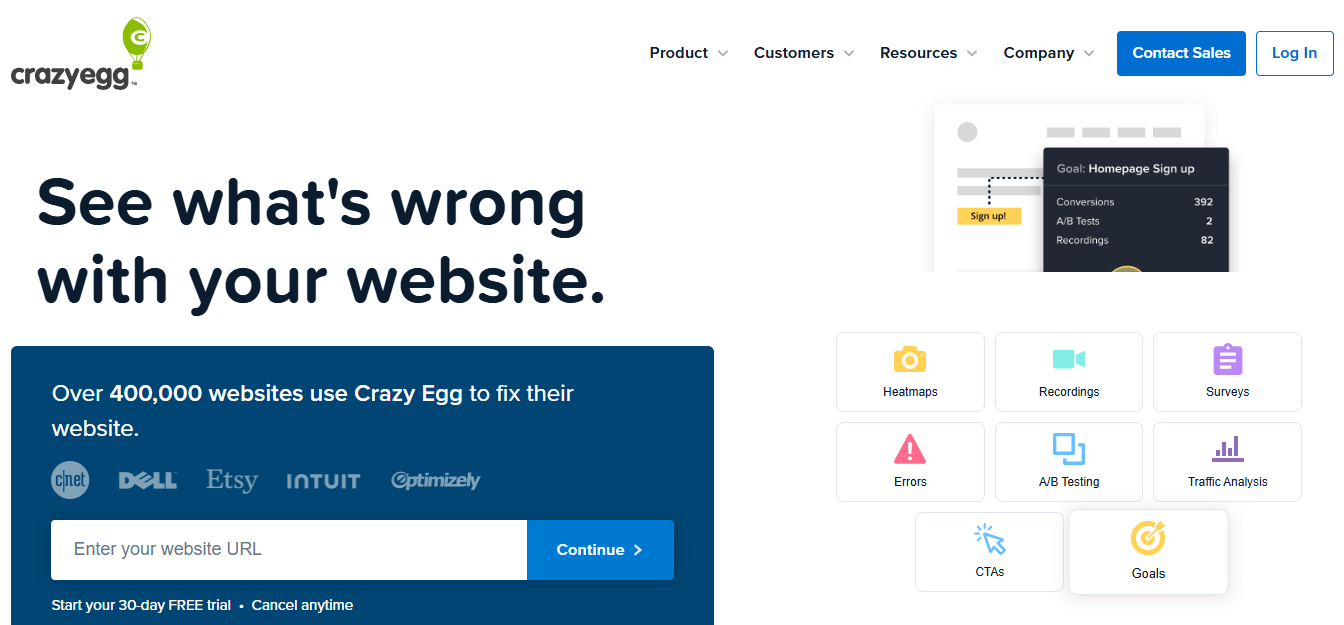
Crazy Egg is a website optimization tool that helps businesses understand user behavior through features like heatmaps, session recordings, and A/B testing. It enables teams to visualize visitor interactions, identify areas for improvement, and test changes to enhance user experience and increase conversions.
Key features
- Heatmaps & session recordings: Tracks where visitors click, tap, and scroll using heatmaps, revealing engagement trends. It also records user sessions, capturing navigation, mouse movements, and interactions to help identify usability issues.
- A/B Testing: It allows users to test different webpage versions to determine which design or content changes improve engagement and conversion rates.
- Scrollmaps: Crazy Egg offers scrollmaps that highlight how far visitors scroll on a page, revealing content engagement levels.
- Error tracking: It's error tracking identifies and reports website errors that may cause visitor frustration, helping to improve user experience by addressing issues promptly.
- Traffic analysis: This feature allows comparison of performance across different traffic sources, campaigns, and landing pages, providing insights into visitor behavior based on their origin.
Pricing: Pricing starts at $29/month and goes up to $499, depending on the selected plan. Upgraded tiers offer enhanced features, including SAML single sign-on, and onboarding & training support.
Hotjar Overview
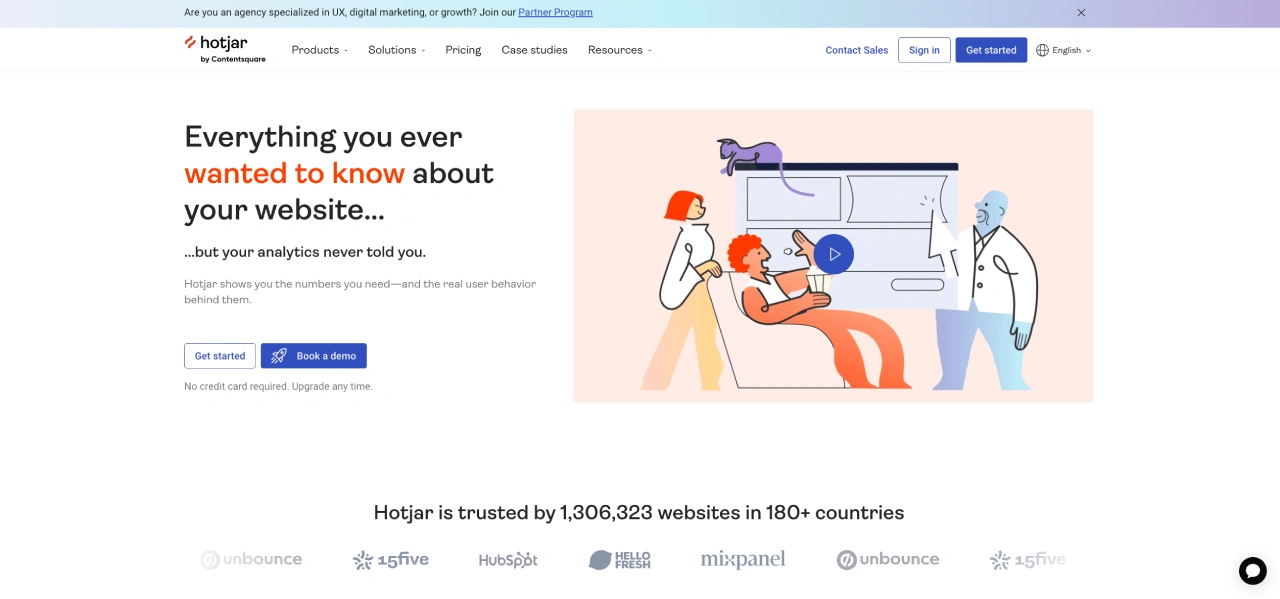
Hotjar is a product experience insights platform that helps you understand user behavior and gather feedback to improve your website's user experience. It complements traditional analytics by providing qualitative data, enabling you to connect the dots between what users do and why they do it.
Key features
- Heatmaps & session recordings: Hotjar provides heatmaps to track clicks, taps, and scrolling, revealing engagement patterns. It also records user sessions, capturing navigation, mouse movements, and interactions to identify usability issues.
- Rage click maps: These maps identify areas where users repeatedly click in frustration, helping pinpoint problematic elements on your site.
- Engagement zones: This feature combines data from various heatmaps to highlight which parts of a page users engage with the most, providing a comprehensive view of user interaction.
- Conversion funnels: Hotjar allows you to visualize user journeys through your site's conversion paths, identifying drop-off points to optimize and improve conversion rates.
- Dashboard insights & visitor profiles: You can view essential metrics like visitor count and conversion rates, along with detailed visitor behavior and demographics, helping create personalized experiences.
Pricing: Pricing starts at $99/month, with higher plans offering custom pricing based on business needs. Upgraded tiers provide advanced features, such as higher session recording limits and in-depth analytics to support large-scale insights and optimization.
Next, we analyzed dozens of reviews on platforms like G2, Gartner, TrustPilot, and SoftwareAdvice for Crazy Egg and Hotjar and found commonalities in what actual users like and dislike about the platforms. Here’s a summary:
What Users Like About Crazy Egg
- Affordable analytics: Users appreciate Crazy Egg’s heatmaps, session recordings, and A/B testing, offering powerful insights at a much lower cost compared to competitors.
- Fast and reliable customer support: Crazy Egg provides responsive customer service, often replying within minutes or hours, helping users resolve issues quickly.
- User-friendly interface: Users report that the simple and intuitive dashboard makes it easy to navigate heatmaps, analyze user behavior, and apply insights without a steep learning curve.
Considerations before going with Crazy Egg
- Limited advanced analytics: Users report that Crazy Egg lacks advanced analytics and segmentation, making it less suitable for in-depth data analysis compared to more comprehensive tools.
- Confusing scroll map visualization: Some users find the scroll map difficult to interpret, wishing it provided clearer engagement metrics like Hotjar’s percentage-based visitor scroll tracking.
- Limited feature depth: Users point out that Crazy Egg focuses mainly on heatmaps, lacking more comprehensive analytics features such as form analytics or deeper funnel tracking.
- Subscription and billing concerns: Some users express frustration over trial-to-subscription transitions, stating that Crazy Egg does not notify users before auto-renewing annual plans.
What Users Like About Hotjar
- Insightful heatmaps and session recordings: Users appreciate how Hotjar tracks clicked elements and mouse movements, providing clear insights into visitor behavior through heatmaps and session replays.
- Customizable feedback collection: Hotjar allows targeting specific pages and user attributes, making it easy to gather relevant qualitative data tailored to different audiences.
- Easy-to-use survey and feedback tools: Users highlight the simplicity of on-page surveys and polls, making it effortless to collect real-time feedback and improve user experience.
Considerations before going with Hotjar
- Pricing limitations: Users feel that many essential features are restricted to premium plans, making Hotjar an expensive choice for smaller businesses.
- Potential data accuracy issues: Some users question the reliability of heatmaps and session recordings, especially when differentiating between real user behavior and bot traffic.
- Challenges in applying insights: While Hotjar helps visualize interactions, many users struggle to turn the data into actionable website improvements.
- Customer support concerns: Some users report slow response times from Hotjar’s support team, leading to delays in addressing technical issues.
💡 Read Next: We Tried the Top 10 Hotjar Alternatives - Here's #1
Word on the street about heatmapAI is…
Here’s a glimpse at the impact heatmapAI has had on real brands, driving millions in additional revenue through data-driven insights and optimization.

With heatmap, I've been able to figure out what elements actually increase AOV and optimize our landing pages to drive more first purchase profitability, we're up 23% YoY.

Winning Split Tests #1 - Collection Page Optimization. +$71,286 per month in revenue with 97% significance.
1: Download heatmap.com
2: Wait for 5k sessions
3: Reorganize products based on the highest revenue per session from top left to bottom right.

Heatmap is a non-negotiable for all Ecom stores! Read this now!

Don't sleep on heatmap! You could be just a few tweaks away from changing the course of your business.
Try heatmapAI - The Best Crazy Eggs and Hotjar Alternative
heatmapAI is a revenue-driven analytics platform that tracks how every website element influences sales. Unlike traditional tools, it connects revenue to clicks, offering deeper insights into buyer behavior beyond visits and pageviews. Designed for ecommerce brands, it optimizes websites using CRO insights to boost revenue per session. Compatible with any CMS, it makes data-backed site improvements simple yet effective.
Why teams choose heatmap.com over other analytics tools

Key features
- Revenue-based heatmaps: Track the financial impact of each click, linking revenue to specific site elements. Custom filters enable analysis based on behavior, AOV, traffic source, and more.
- Interactive scrollmaps: Identify where users lose interest and potential revenue declines by pinpointing drop-off points beyond standard engagement metrics.
- AI-driven recommendations: Leverage over 500 AI-powered suggestions to refine copy, adjust page layouts, enhance visuals, and optimize on-page elements for higher revenue per session.
- Dashboard & metrics: Monitor essential performance indicators like revenue per session, scroll depth, and high-traffic pages through a user-friendly dashboard for quick insights.
- Rage click & top page analysis: Detect high-engagement or problematic areas using rage click data to improve user experience and minimize frustration.
Obvi Added $2.5M Revenue in Their First Month with heatmapAI
By using heatmapAI, Obvi addressed a common challenge for scaling DTC brands: balancing growth and profitability. They leveraged actionable insights to identify which elements increased AOV and optimized landing pages to drive more first-purchase profits.
100x
ROI with Obvi's first month using heatmap
$2.5M
in added revenue using our CRO recommendation engine
+7.81%
Increase in Revenue Per Session
What new users ❤️ about heatmapAI
- Revenue-driven insights to optimize website elements for higher conversions.
- Fast, no-code setup—install and get insights in minutes.
- Advanced user behavior tracking with heatmaps, scrollmaps, and session recordings.
- Privacy-first analytics with GDPR and CCPA compliance.
Pricing: Starts at $117/mo for annual revenue between $0 – $4.9M
Try heatmap.com | Your eCommerce site will thank you (so will your wallet)
We are the only onsite analytics platform that tells you how to make more money - down to the pixel. Trusted by 1000+ eCommerce brands.
Ashvin Melwani
@ashvinmelwaniWith heatmap, I've been able to figure out what elements actually increase AOV and optimize our landing pages to drive more first purchase profitability, we're up 23% YoY.


Dylan AnderPublished December 1, 2025